WordPress
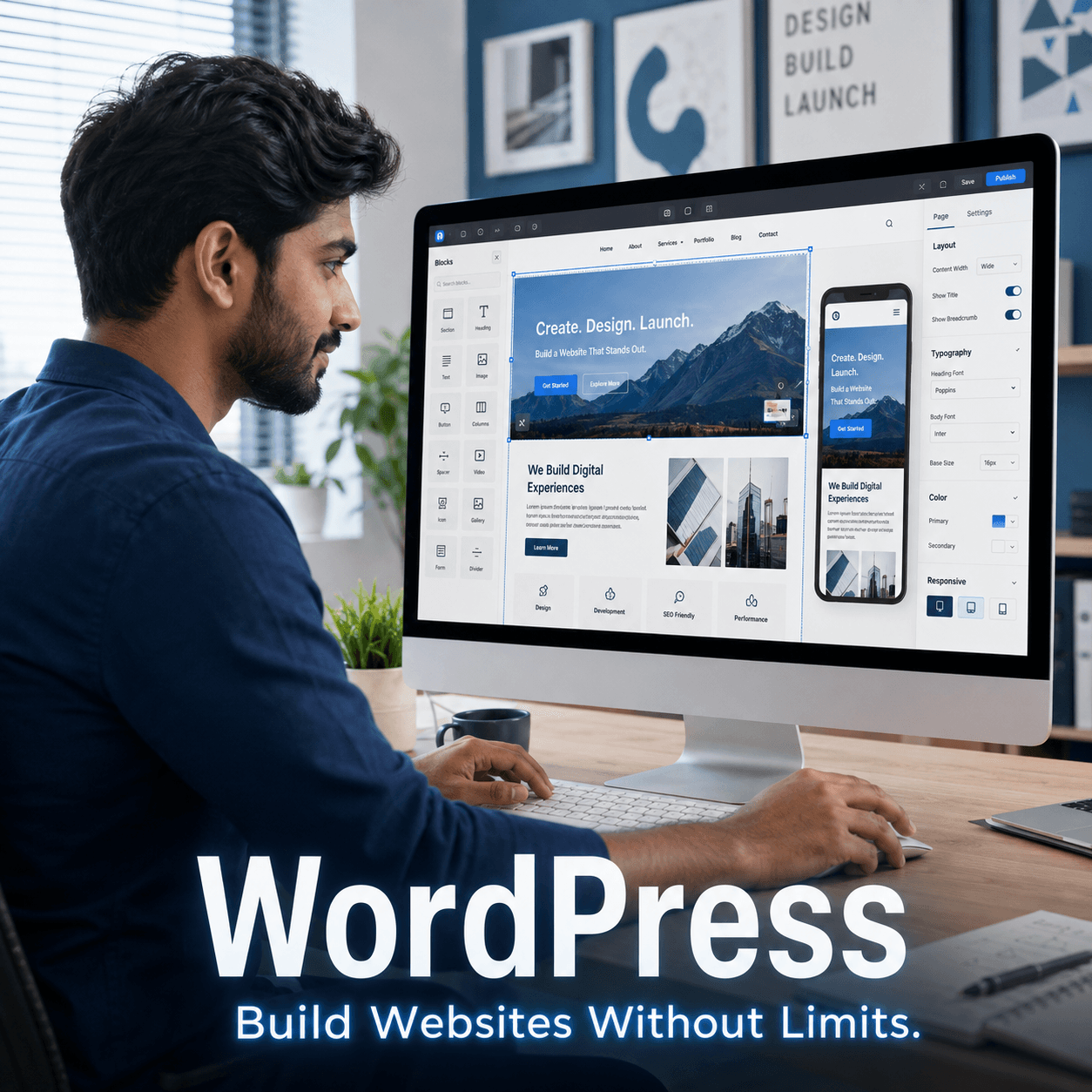
Learn to build practical WordPress websites, landing pages, blogs and e-commerce stores with Elementor and WooCommerce.
The WordPress course is a live online program focused on building and managing practical websites without requiring a traditional coding workflow.
The course covers WordPress setup, website designing, Elementor, plugins, blogging websites, landing pages and WooCommerce-based shopping sites.
What you’ll learn
- Understand the WordPress dashboard and site structure.
- Build pages using Elementor.
- Work with themes and plugins.
- Create landing pages.
- Build and organise blogging websites.
- Understand WooCommerce store setup.
- Manage common website settings and content.
Tools covered
Curriculum
The current topic plan. The detailed lesson plan is shared when your group batch or 1-to-1 schedule is confirmed.
1. Module 1 — WordPress Foundations
- WordPress overview
- Domain and hosting concepts
- Dashboard
- Pages vs posts
- Basic site settings
2. Module 2 — Themes & Design
- Theme concepts
- Layout planning
- Header and footer basics
- Typography and spacing
- Responsive design fundamentals
3. Module 3 — Elementor
- Elementor interface
- Sections and containers
- Widgets
- Page layouts
- Mobile adjustments
4. Module 4 — Plugins
- Plugin purpose
- Installing and managing plugins
- Common plugin categories
- Plugin compatibility basics
- Update and maintenance concepts
5. Module 5 — Landing Pages
- Landing-page structure
- Hero and CTA sections
- Forms and lead sections
- Mobile optimisation
- Practical landing-page build
6. Module 6 — Blogging Website
- Blog structure
- Posts and categories
- Featured images
- Navigation
- Basic content organisation
7. Module 7 — WooCommerce
- WooCommerce setup
- Products and categories
- Store pages
- Cart and checkout concepts
- Basic store configuration
8. Module 8 — Site Management
- Backups and updates
- User roles
- Basic security practices
- Performance considerations
- Launch checklist
Who this is for
- Beginners
- Small business owners
- Freelancers
- Bloggers
- Digital marketers
- Learners who want to build websites without a full coding stack
Requirements
- Basic computer and internet knowledge
- Laptop or desktop with internet access
- Domain/hosting access is useful for practical work but may depend on the learner's setup
- No prior WordPress experience is required
What you get
- Live online classes
- Class recordings
- Course certificate
- 1 year support
- Group and 1-to-1 learning options
Frequently asked questions
Do I need coding knowledge?
Will WooCommerce be covered?
Does the course include landing pages?
Are recordings included?
Is a certificate included?
Related courses
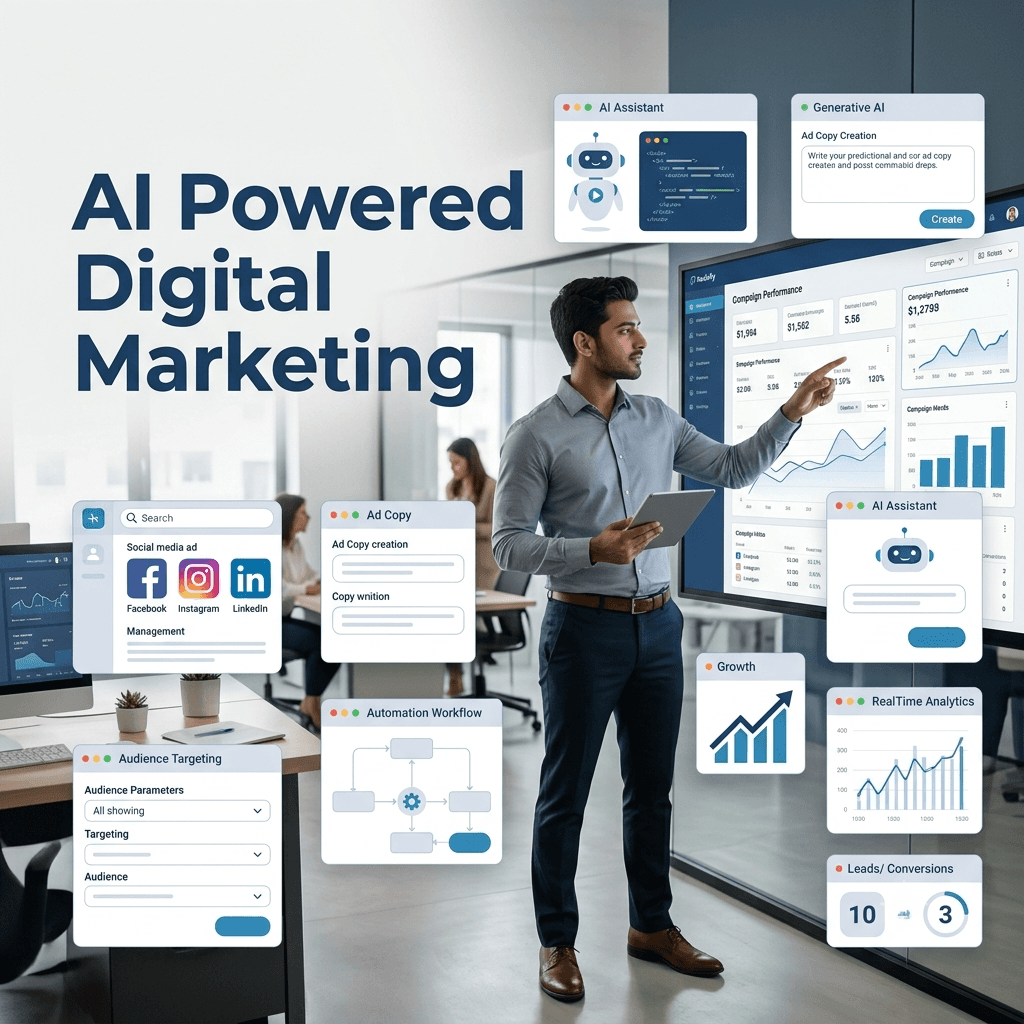
AI Powered Digital Marketing
A live Hinglish course covering digital marketing fundamentals, performance marketing, SEO, tracking, analytics and AI-assisted workflows.
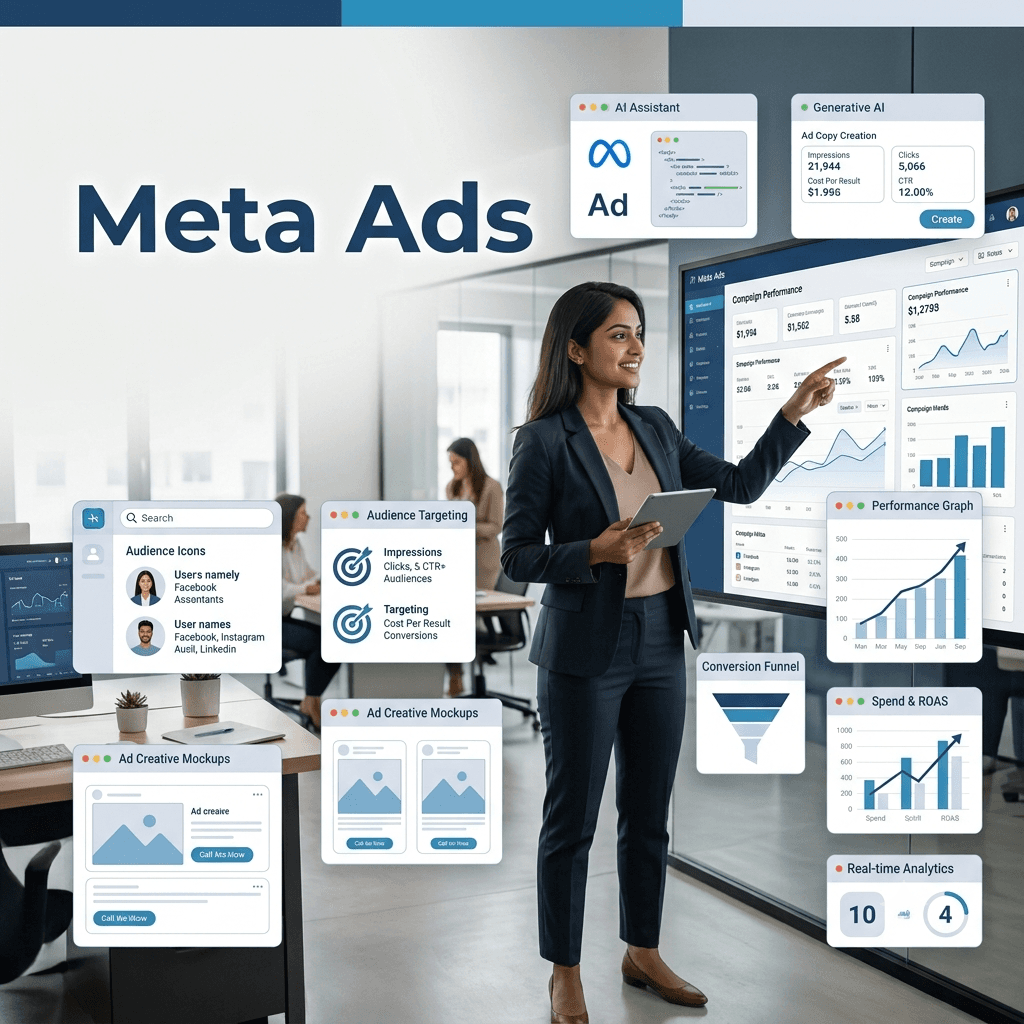
Meta Ads
A practical live course focused on Facebook and Instagram advertising, campaign structure, targeting, creatives, pixels and Meta business tools.
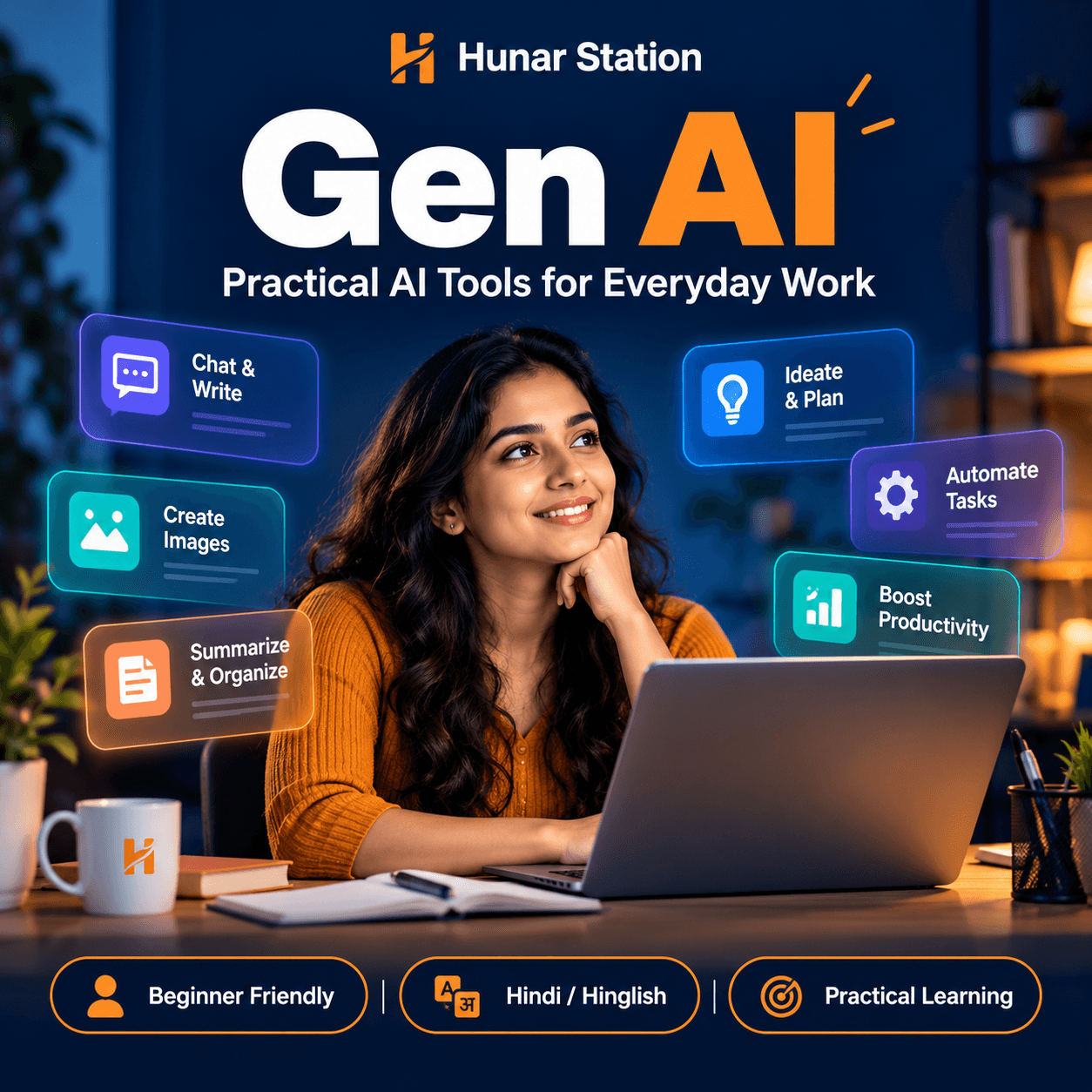
Gen AI
A fast-paced live Gen AI course covering prompting, image generation, audio, video, AI assistants and modern creative tools.
Have questions about this course?
Send a query about WordPress and we’ll get back to you with the details.