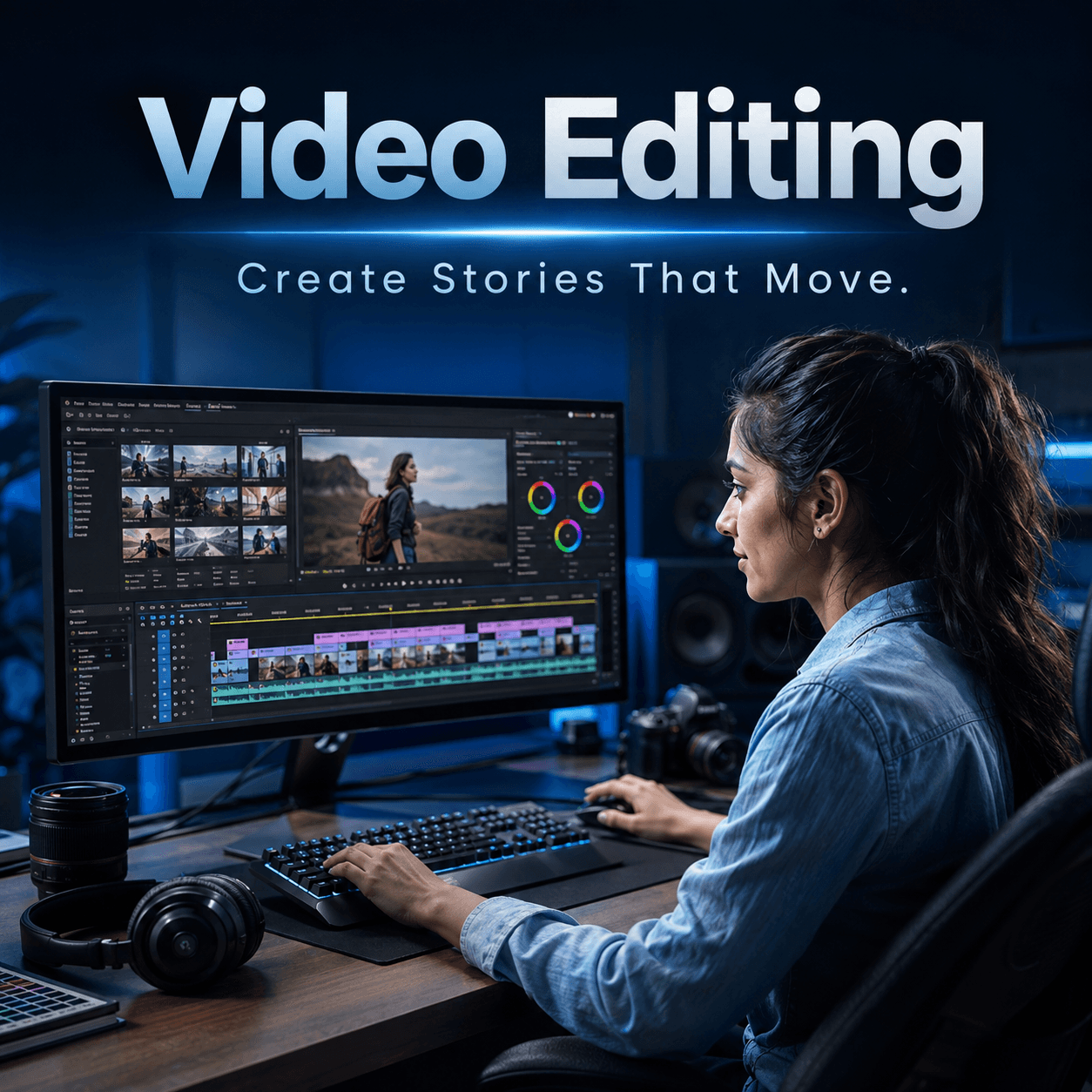
Video Editing
Learn practical video editing from cutting and transitions to effects, colour correction and grading.
The Video Editing course is a live online program designed to teach the practical foundations of editing and visual finishing.
The course covers core editing skills such as cutting, transitions, effects, colour correction, colour grading and LUTs, with exposure to tools including Adobe Premiere, Filmora, Final Cut Pro, DaVinci Resolve, Canva and Photoshop.
What you’ll learn
- Understand the basic editing workflow.
- Organise footage and build a clean timeline.
- Use cuts and transitions effectively.
- Apply effects where appropriate.
- Perform basic colour correction.
- Understand colour grading and LUTs.
- Work across popular editing and creative tools.
Tools covered
Curriculum
The current topic plan. The detailed lesson plan is shared when your group batch or 1-to-1 schedule is confirmed.
1. Module 1 — Editing Foundations
- Editing workflow
- Importing and organising footage
- Timeline basics
- Cuts and pacing
- Export fundamentals
2. Module 2 — Editing Tools
- Interface and timeline concepts
- Working with video and audio tracks
- Trimming
- Basic keyframes
- Project organisation
3. Module 3 — Transitions
- Cut-based transitions
- Built-in transitions
- Using transitions with purpose
- Timing and continuity
4. Module 4 — Effects
- Video effects
- Transform controls
- Basic motion
- Layering
- Practical effect usage
5. Module 5 — Colour Correction
- Exposure
- White balance
- Contrast
- Saturation
- Shot matching basics
6. Module 6 — Colour Grading & LUTs
- Difference between correction and grading
- Look development
- LUT concepts
- Applying and adjusting LUTs
- Consistency across shots
7. Module 7 — Supporting Creative Tools
- Canva for supporting graphics
- Photoshop for image assets
- Practical cross-tool workflow
8. Module 8 — Editing Software Exposure
- Adobe Premiere
- Filmora
- Final Cut Pro
- DaVinci Resolve
- Choosing software according to workflow and platform
Who this is for
- Beginners interested in video editing
- Content creators
- Freelancers
- Social media creators
- Marketers
- Learners who want exposure to multiple editing tools
Requirements
- Basic computer knowledge
- Laptop or desktop suitable for the editing software being used
- Practice footage for exercises
- No prior professional editing experience is required
What you get
- Live online classes
- Class recordings
- Course certificate
- 1 year support
- Group and 1-to-1 learning options
Frequently asked questions
Is this course suitable for beginners?
Which software is covered?
Are recordings provided?
Is the course live?
Is a certificate included?
Related courses

AI Powered Digital Marketing
A live Hinglish course covering digital marketing fundamentals, performance marketing, SEO, tracking, analytics and AI-assisted workflows.

Meta Ads
A practical live course focused on Facebook and Instagram advertising, campaign structure, targeting, creatives, pixels and Meta business tools.

Gen AI
A fast-paced live Gen AI course covering prompting, image generation, audio, video, AI assistants and modern creative tools.
Have questions about this course?
Send a query about Video Editing and we’ll get back to you with the details.